


Package Description
This is a beautiful text UI system with a satisfying pop up sound that allows you to replace your usual blip DrawText3Ds/ShowHelpNotifications.
Options
You can set:
- The message of the text UI.
- The color of the text UI.
- The position (right/left) of the text UI.
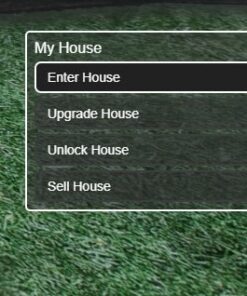
- Multiple lines/commands in a text UI.
It supports long messages, expanding its width automatically.
It comes with the code on how to make esx_doorlock functional with it.
It comes with a complete tutorial on how to use it.
How to use
exports[‘okokTextUI’]:Open(‘[Key] Message’, ‘color’, ‘position’)
The message field is obviously the field where you type the message you want, for example [E] Open Garage.
The color field is where you select the color you want for the UI. You can see the list of the available colors below.
The position field allows you to choose where you want the notification to appear (right or left).
[Available Colors] (Easy to add new colors, explained in the README file)

- Standalone
- No IP lock
- Source code
- Fully customizable
- Easy install
Related products


ESX Scripts

ESX Scripts


